
GTA Residential Smart Lock Installation: Check Door Fit
Start with the door, not the app. Residential smart lock installation in the GTA should begin with the deadbolt, door prep, strike alignment, condo or landlord rules, and backup access plan. A smart lock that fits badly will bind, drain batteries, and leave you with an expensive lockout. Check the hardware first, then choose the connection method and user features.
Real dispatcher answersOpen every day, 7 AM to 10:30 PM
In this guide
Door prep and strike alignment before install
How should residential smart lock installation in the GTA be handled?
The GTA includes downtown condos, older Toronto row houses, suburban homes, basement units, and rental properties. They don't all use the same lock prep. A lock designed for a standard single-cylinder deadbolt may not fit a mortise lock, a narrow aluminum door, a multi-point lock, or a fire-rated suite entry door.
A technician should identify the failure mode before recommending a model. A failure mode is the specific way the current hardware is failing. If the existing deadbolt drags, the strike is loose, or the door has shifted in its frame, a motorized lock installed over that problem won't solve it. For broader home security choices, see our guide to security and smart locks in Toronto and the GTA.
A proper installation follows this order:
1. Check the door, frame, deadbolt, and strike.
2. Confirm the lock fits the existing door prep.
3. Check condo, rental, and fire-door rules.
4. Choose the right access method.
5. Install without forcing the hardware.
6. Pair the app and configure users with you present.
7. Test the lock manually, electronically, and with its backup method.
Check the door before you buy a smart lock
Measure the door and check the hardware before you compare apps. Product photos don't show the clearance around your escutcheon, which is the trim plate around the lock. They also don't show the depth of your frame or the pressure holding the bolt against the strike.
The backset is the distance from the edge of the door to the centre of the lock hole. The strike is the metal plate in the frame where the bolt enters. Both matter more than the lock's advertised connection range.
A smart lock should turn the deadbolt with light resistance. If you must pull the door hard or lift the handle to make the bolt move, fix the strike alignment first. Otherwise the motor repeats that strain every time it locks.
Ask these questions first:
- Is the existing lock a deadbolt, mortise lock, rim lock, or multi-point system?
- Does the door have a standard bore and backset?
- Is the door metal, wood, composite, or aluminum?
- Does the lock need a new hole or faceplate?
- Is there enough interior clearance for the motor and battery cover?
- Does the bolt enter the strike without rubbing?
- Can you still use a physical key?
- Is the door part of a fire-rated assembly?
- Does the condo or landlord allow the change?
Which smart lock types suit GTA homes?
The right choice depends on the existing hardware. The product with the longest feature list is often the wrong one for your door.
An interior retrofit mounts over your current deadbolt on the inside of the door. It can be a sensible choice for a condo where the outside appearance must stay unchanged. However, it still fails if the existing deadbolt is bent, loose, or badly aligned.
A full replacement gives you more control over the lock cylinder, keypad, and exterior trim. Still, the new lock must fit the door thickness, bore, backset, and strike. A replacement that leaves the old failure in place is wasted work.
Mortise locks need special care. A mortise lock has a larger case set into the edge of the door, with the latch and deadbolt working inside one body. Do not assume a standard smart deadbolt can replace it. The technician may need a compatible conversion or may advise keeping the existing case.
| Lock type | Best fit | Main advantage | Main limitation |
|---|---|---|---|
| Interior retrofit | A sound deadbolt with an acceptable exterior cylinder | Keeps most of the existing outside hardware | Needs interior clearance and a compatible deadbolt |
| Full deadbolt replacement | A standard residential door with poor or outdated hardware | Gives you a matched lock and exterior keypad or reader | May need new door prep or strike work |
| Mortise or specialty system | A door with a mortise case, narrow frame, or multi-point mechanism | Preserves the door's existing function when supported | Needs careful assessment and may limit model choices |
Picking a connection method
Choose the access method based on how people use the door. Bluetooth, Wi-Fi, and Z-Wave each solve a different problem.
Bluetooth alone does not give you remote access. A phone may operate the lock nearby while you still cannot check it from work. Wi-Fi can add remote access, but a weak signal in a concrete condo hallway creates its own failure mode. So ask whether the lock needs a bridge for remote access, and where that bridge will sit.
Guest and family sharing usually runs through the app or keypad codes. Give each person their own code or account, because one shared code can't be removed for a single person later.
- Bluetooth works when your phone is close to the lock. It suits a single home where you want phone access without remote control.
- Wi-Fi allows remote status checks and commands. It needs a reliable signal near the door and may need a hub or bridge.
- Z-Wave uses a separate smart-home network and usually needs a compatible hub. It suits a home that already runs that system.
- Keypad access helps families, cleaners, caregivers, and guests. It avoids handing out physical keys.
- Physical key access remains useful during dead batteries, phone problems, app failures, and network outages.
Keypad locks for Toronto homes and rentals
A keypad deadbolt without Wi-Fi is often the better pick for keypad lock installation in Toronto rentals, basement units, and family homes. It has fewer parts to fail and no app to lose. You also avoid a network outage taking away your remote view of the door.
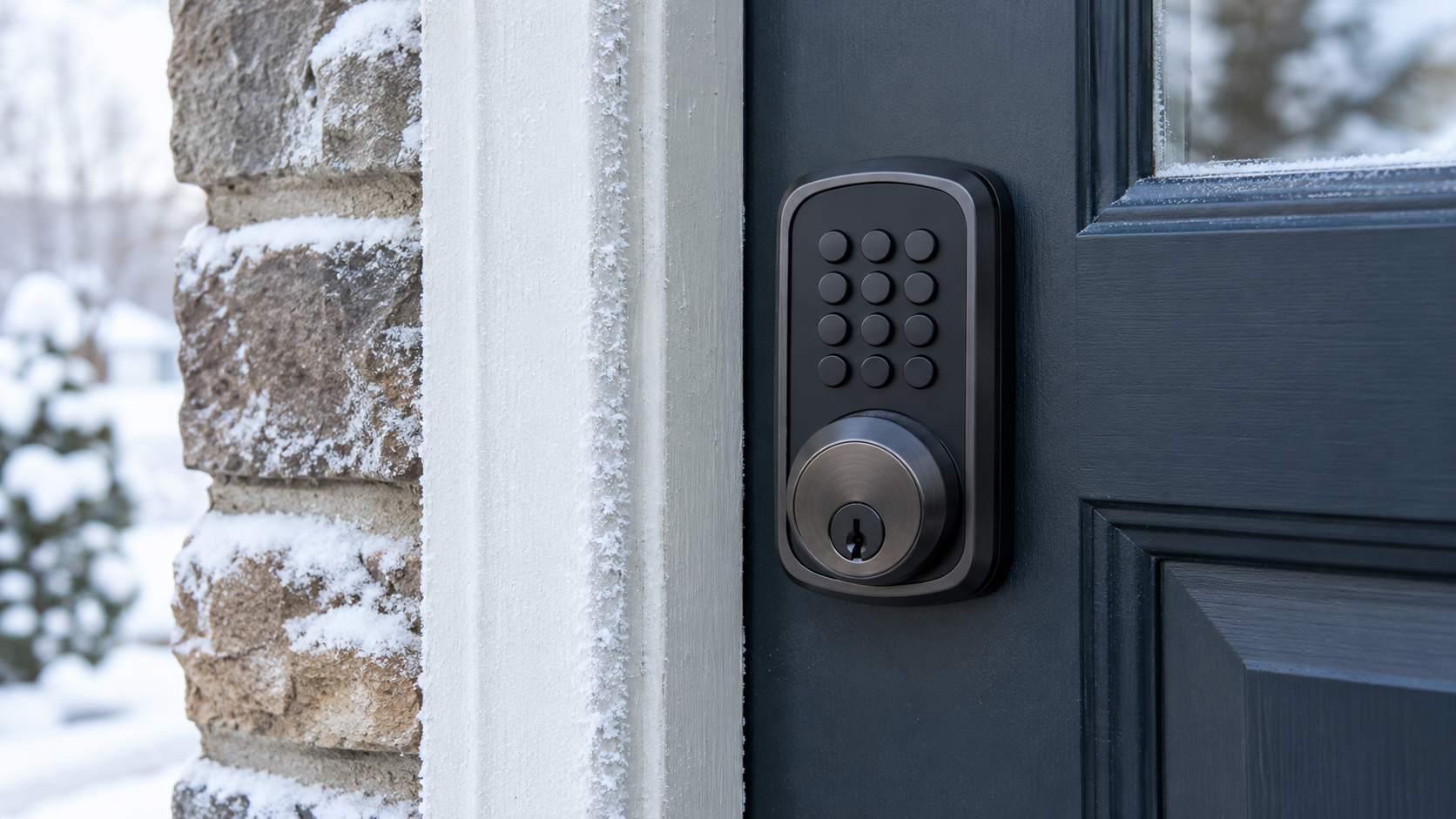
Keypads do have their own weak points. The buttons sit outside in salt, slush, and freeze-thaw cycles, so pick a model rated for exterior exposure. Worn buttons can also hint at the code, so change codes when tenants, cleaners, or contractors leave.
For a basement unit or a secondary suite, confirm who controls the master code before installation. The owner and the tenant both need a clear answer on who can add or delete codes. Settle it in writing, because a lockout is a bad time to find out.
Winter, batteries, and backup access
Cold weather exposes weak battery planning and tight door hardware. A battery-powered motor has less margin when the bolt pushes against a misaligned strike, and low temperatures can reduce battery performance.
Install the batteries where you can reach them without removing the lock. Confirm the low-battery warning works and keep the correct replacement batteries on hand. Do not wait for the motor to stop before you deal with the warning.
A smart lock also needs a manual backup. Depending on the model, that may be a physical key, an external battery contact, or another approved access method. Learn that method before you need it in a dark parkade or during a network outage.
Do not leave a spare key in an obvious outdoor hiding place. Give it to someone you trust, store it securely, or keep another authorized entry route available.
What condo and rental rules change
Condo and rental doors carry ownership and building requirements that a detached home may not have. The person who lives behind the door may not be the person authorized to change the hardware.
A condo board may reject a lock because of its exterior appearance, not its security rating. Many suite entry doors face a common corridor, and boards treat that hardware carefully. For context, Section 97 of the Condominium Act, 1998 sets out what an Ontario condominium corporation must do before it adds, alters, or improves common elements. A rental agreement may also require the original hardware to be kept. In both cases, buying the lock first is the wrong order.
The Ontario Fire Code matters if the door is part of a rated corridor or suite entrance. Don't replace a door lock without checking whether the assembly has special requirements.
Before installation, confirm:
For a rental or condo, get written approval naming the exact model and installation method. A verbal answer from a neighbour or concierge may not protect you if the building later orders the hardware removed.
- The permitted lock brands or types
- Whether the exterior escutcheon must remain unchanged
- Whether drilling is allowed
- Whether the door is fire-rated
- Whether the building requires a master-key function
- Whether the property manager must approve the work
- Whether concierge staff need notice or a technician sign-in
- Whether elevator or parkade access must be arranged
What happens during a professional installation?
The technician should inspect the full opening before removing parts. That means checking the key, lock cylinder, deadbolt, latch, screws, hinges, door edge, frame, and strike.
A sound installation usually includes:
Test the lock with the door open before closing it. This confirms that the motor and bolt move freely without door pressure. Then test it closed, by key, by keypad or app, and by the backup method. If the bolt only throws when someone leans on the door, the job isn't finished.
- Correcting strike alignment or door sag before the new lock goes on
- Fitting the hardware to the existing door prep, or adding prep only where it's approved
- Mounting the motor and battery cover with full clearance
- Pairing the app and setting the owner as the main administrator
- Adding user codes with you present, then deleting any setup codes
- Showing you the manual backup and the battery change
Smart locks with a video doorbell and thermostat
On a detached house, the lock, video doorbell, and smart thermostat work best when they share one platform. Pick that platform first, whether it's Google Home, Apple Home, Amazon Alexa, or a Z-Wave hub. Then buy devices that support it.
Matter is a smart-home standard designed to let devices from different brands work across platforms. For example, the Yale Smart Lock with Matter is built to connect with Google Home and other Matter platforms. Check the Matter support on each device before you buy, because older models in the same product line may not have it.
Keep the lock independent of the integration. It should secure and release the door, and report its battery level even if the hub, doorbell, or router is down. Automations are a layer on top, and the door still has to work without them.
Be careful with automatic unlocking. Tying the lock to a doorbell press or your phone's location can open the door when you didn't mean to. Locking on a schedule, or switching the thermostat to away mode once the door locks, carries far less risk.
Detached homes have their own signal problems. Brick, stone, and long hallways can leave the front door with weak Wi-Fi, so you may need a mesh node or bridge near the entry. Meanwhile, a doorbell may need low-voltage wiring and a thermostat may need a compatible wire at the furnace. A locksmith handles the lock and door. The wiring may need an electrician or a heating technician.
Toronto, Markham, and the rest of the GTA
Smart lock installation in Markham, Vaughan, or Pickering often means detached and semi-detached homes. These houses usually have several entries: a front door, a side door, and an interior door from the attached garage. Decide which doors get smart locks and which stay keyed, and keep every door on a matching key where you can.
Downtown Toronto work leans toward condos and older row houses. Condo jobs bring concierge access, technician sign-in, and booked elevators. Row houses bring older doors that have shifted over decades, so strike work is common.
Have the building contact, parking details, and any approval letter ready before the visit. Those details affect the appointment more than the lock model does.
When a smart lock stops working
Name the symptom before you touch the lock. Each one points to a different failure.
If you're locked out with a dead smart lock, don't pry the door or drill the cylinder yourself. A technician can usually attempt non-destructive entry first and keep the hardware. Our guide on what to do if you're locked out at night covers the safe steps to take while you wait.
Routine maintenance is short. Change batteries at the first warning, install firmware updates, and remove old user codes. Have the strike checked if the motor starts to sound strained.
- Keypad dead, no lights: the batteries are likely flat. Use the backup key or battery contact.
- Motor runs, bolt doesn't move fully: the strike is likely tight or the door has shifted. Do not force it.
- App shows offline, keypad works: the bridge or Wi-Fi has dropped. The lock itself is probably fine.
- Bolt jammed, key won't turn: the lock body may be damaged. Stop and call for service.
Who this guide is for in Toronto and the GTA
Homeowners upgrading a deadbolt, condo owners checking board rules, and landlords adding keypad access without handing out dozens of brass keys.
If you already bought a lock online, this page still helps you confirm fit before install day. If you want supply-and-install, our security service page covers on-site work.
Geography does not change the steps: Vaughan row houses, Mississauga condos, and downtown Toronto walk-ups all need the same bore, strike, and battery planning.
What to expect when you book install
Call with door photos, existing bore measurements, and the exact model number. Dispatch quotes labour and any hardware we supply before we drive.
On site we test throw, adjust strikes, pair the app with you present, and leave written codes plus battery guidance.
If the door is binding, we fix alignment first. A smart lock on a sticky latch fails twice as fast in Toronto humidity swings.
FAQ
Common questions
Quick answers about this topic in Toronto and the GTA.
Can I install a smart lock myself?
On a sound standard deadbolt with matching door prep, an interior retrofit is a reasonable owner job. Call a technician if the door needs new holes, the strike needs moving, or the door is fire-rated or condo-controlled. Drilling the wrong spot in a door leaves damage you can't undo.
What happens to my old keys after a smart lock goes in?
A retrofit that keeps the existing cylinder keeps the old keys working too. If former tenants, contractors, or past owners still hold copies, have the cylinder rekeyed so a new key operates it. Our page on rekeying versus replacing a lock explains when each makes sense.
How do I cut off a cleaner or ex-tenant without changing everything?
Delete their individual code or app account from the administrator profile. Then check the lock's activity log to confirm the code no longer works. This only works cleanly if each person got their own code from the start.
Is a smart lock less secure than a regular deadbolt?
The bolt, strike, and frame decide how well a door resists force. A smart lock adds risk mostly through weak setup, such as shared codes, default settings, or skipped updates. Use a strong account password, turn on two-step login for the app, and keep a solid deadbolt and reinforced strike underneath.
How long does smart lock installation take?
Most residential installs run one to two hours including strike adjustment and app pairing. Complex doors or fire-rated hardware can take longer.
Do you service the GTA or only Toronto?
We dispatch mobile technicians across Toronto and surrounding cities during our posted hours.
More reading
Related guides
More step-by-step and how-to articles on the same topic.
Locked Out of Your Toronto Home? Safe Next Steps
Handle a Toronto house lockout safely with lawful entry steps, locksmith timing guidance, and advice for lost, broken, or stolen keys at home.
Read article ResidentialBroken Key & Lock Repair
A key that snapped in the lock or a knob that spins freely is common, and rarely a DIY win if the piece sits flush inside. What usually broke, and what a mobile locksmith does on site.
Read article Locksmith guidesFix Deadbolt Alignment Without Forcing the Key
A binding deadbolt usually points to door or strike pressure. Use contact marks, hinge checks, and small adjustments to restore smooth locking safely.
Read articleOn-site help
Related locksmith services
If you need a technician on site, these service pages match this guide.
Guides explain the situation; a service visit fixes it. For security solutions in Toronto and the GTA, use the call button for a price range and ETA, confirmed on site before work starts.
Security Solutions
Smart locks, high-security cylinders, and access control for homes and businesses.
See details
Residential Locksmith
House lockouts, lock changes, rekeying, and home security upgrades.
See details
Emergency Locksmith
Locked out or dealing with a broken lock? We come to you fast across the GTA.
See detailsReady for upfront pricing?
Describe your door or vehicle for a quoted range before a technician is dispatched.