
Office Lockout in Toronto: Safe Steps to Call a Locksmith
Start by protecting the door, the people nearby, and the business records inside. An office lockout in Toronto usually comes from a lost key, failed lock cylinder, misaligned latch, dead keypad battery, invalid fob, or building access outage. Verify who can authorize entry, try only approved access methods, and call a commercial locksmith before anyone forces the door or bypasses security controls.
Real dispatcher answersOpen every day, 7 AM to 10:30 PM

In this guide
Storefront and office lockouts during open hours
What should you do during an office lockout in Toronto?
Start by securing people, confirming who can authorize entry, and identifying the failure before anyone touches the door.
If approved entry cannot be restored without damage, call a qualified commercial locksmith. Do not force the door or bypass workplace safety controls.
Follow this order:
A jammed latch can release suddenly. A damaged glass or aluminum frame can also become a safety hazard.
If there is an active break-in or immediate danger, call 911 in Ontario. Do not treat a fresh crime scene as an ordinary office lockout.
1. Confirm authorization
Identify the business owner, office manager, property manager, or person authorized to approve entry.
2. Check approved entrances
Try the main entrance, loading entrance, rear door, and any building-approved access point.
3. Contact building management
In a condo-style office tower, the concierge or property manager may control elevator access, after-hours entry, and electric locks.
4. Protect staff and visitors
Move people away from the doorway if glass, a panic bar, or damaged hardware is involved.
5. Check the access system
Ask whether other tenants or doors are also affected.
6. Document the condition
Photograph the lock, frame, strike, keypad, reader, and visible damage before repair work starts.
7. Call for commercial service
Give the technician the door type, suite number, hardware type, and exact symptom.
When an office lockout service is required
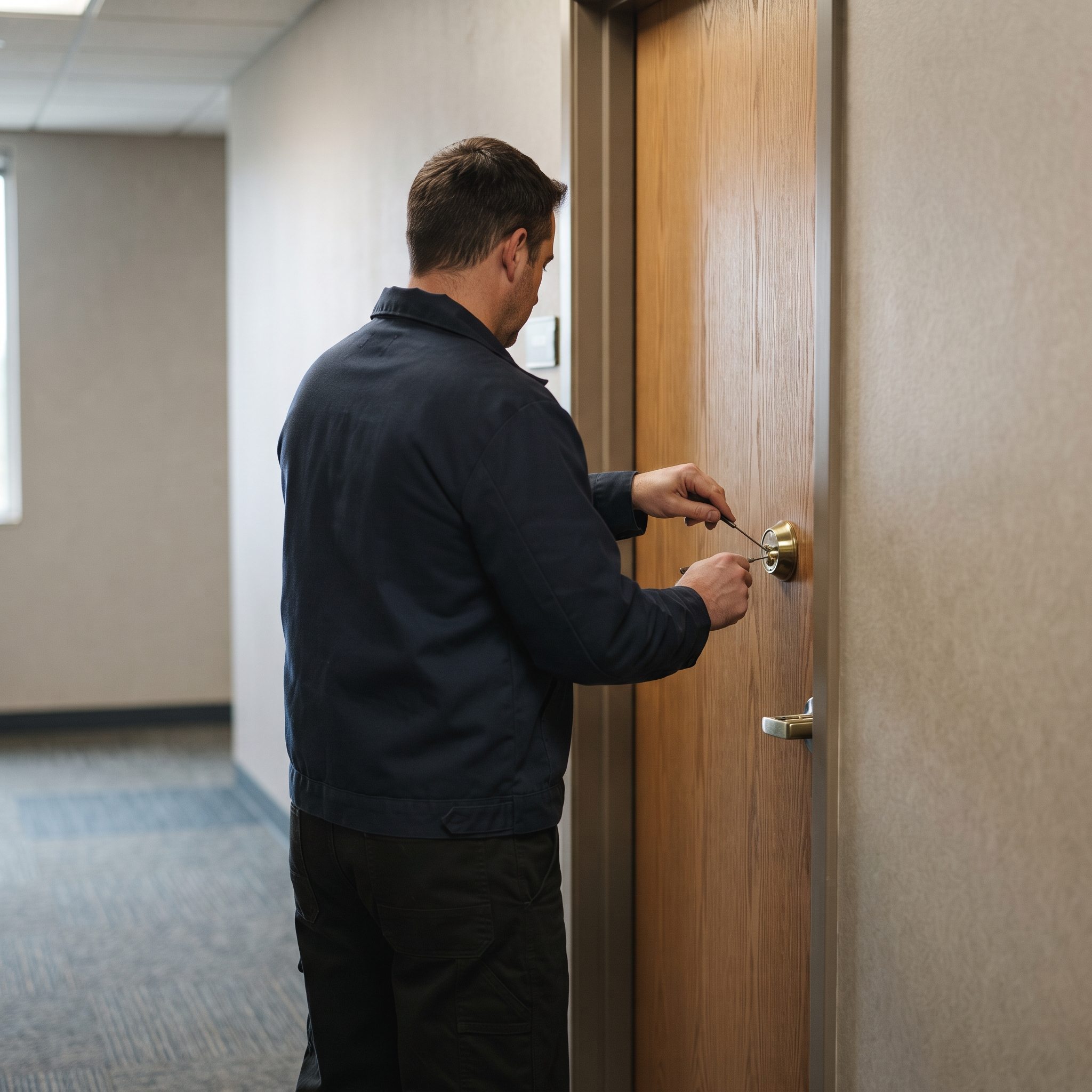
Call for professional entry when the next safe check would require force, disassembly, drilling, or access-system work. The same applies when the office has a broken key, failed lock cylinder, jammed panic hardware, damaged frame, lost credentials, or a controlled door that no longer responds.
A commercial door needs the right tools for its hardware. Storefront aluminum doors, mortise locks, panic bars, electric strikes, and office cylinders do not fail in the same way.
Give the dispatcher:
A vague description leads to the wrong equipment. “The office door won’t open” does not tell the technician whether the problem is a key, latch, closer, reader, or building system.
A broken key needs extraction tools. A failed cylinder may need replacement. A lost fob may need access-control support instead of mechanical entry.
For more guidance on urgent access problems, see these safe steps before calling a locksmith.
- The full address and suite number
- The door material, such as glass, aluminum, wood, or steel
- The lock type, such as a rim cylinder, mortise lock, keypad, fob reader, electric strike, or panic bar
- The exact symptom
- The number of doors affected
- Any concierge, loading-dock, elevator, or sign-in rules
- The name of the person meeting the technician
- Whether police, building management, or insurance has documented damage
What an office locksmith checks before opening the door
A business locksmith should check the key, cylinder, latch, door, frame, strike, credential, and building system before replacing anything. The visible lock is often not the failed part.
A lost key creates an authorization and security problem. A damaged key creates a mechanical problem. A failed fob may have nothing to do with the lock itself.
The technician should also ask who last entered and which doors are affected. It helps to know whether the failure began after a power interruption and whether the door has been dragging.
The right diagnosis saves the door from unnecessary drilling or replacement. It also tells the technician whether building management, an access-control provider, or a dealer must be involved.
| Symptom | Likely failure | Safe first check |
|---|---|---|
| Key will not enter or turn | Wrong key, damaged key, worn cylinder, or debris | Check the key profile and inspect the keyway |
| Key turns but the latch stays in place | Broken tailpiece, disconnected latch, or internal lock failure | Apply light door pressure while turning once |
| Door opens from inside but not outside | Exterior cylinder, trim, or access reader problem | Check whether the inside release works |
| Door drags against the frame | Strike alignment, hinges, closer, or shifted frame | Test the door with no key pressure |
| Keypad accepts no code | Dead battery, wrong code, lockout mode, or controller fault | Check the keypad response and battery status |
| Fob fails at one door | Credential issue, reader fault, or power problem | Test an approved fob at another door |
| Several doors fail together | Building power, controller, network, or access-system outage | Contact property management |
| Panic bar will not release | Jammed latch, damaged exit device, pressure, or fire-door issue | Keep people clear and stop forcing the bar |
What a business locksmith in Toronto can do after a lockout
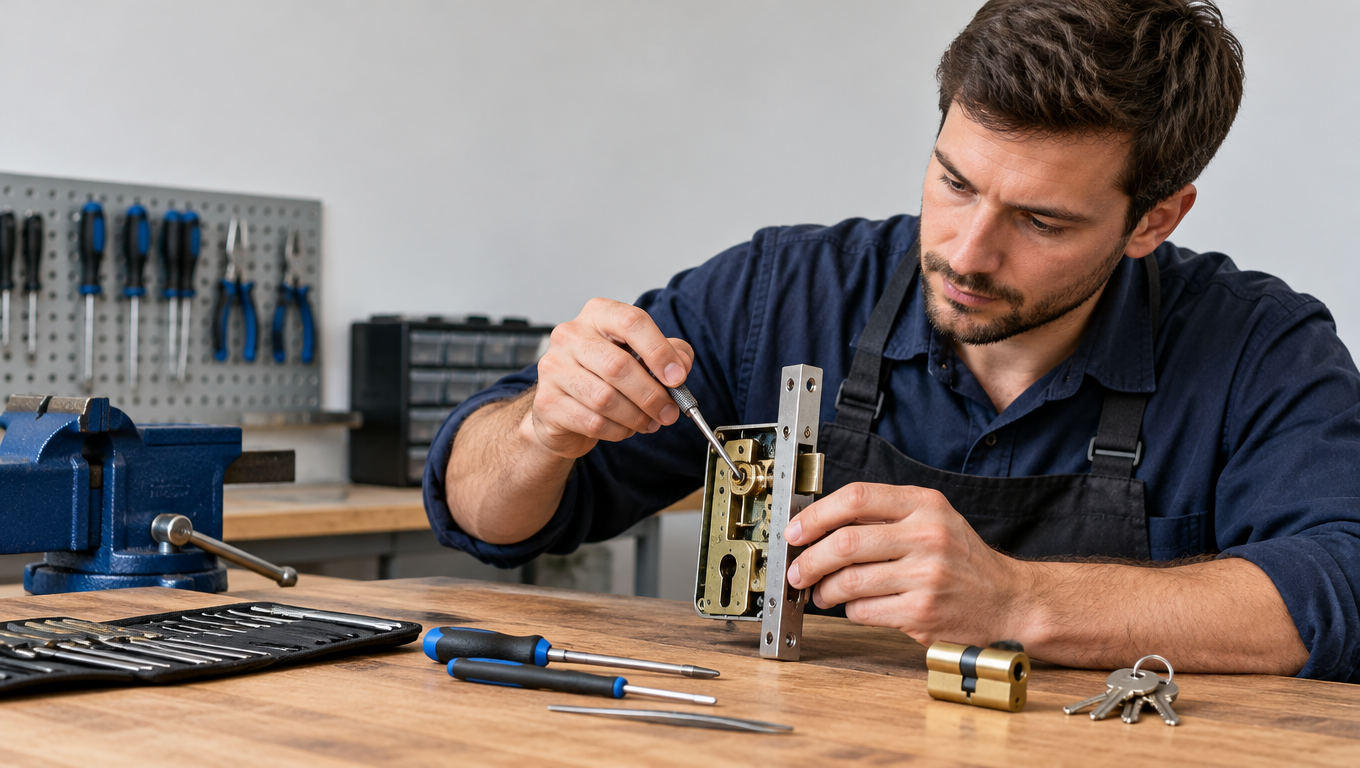
A business locksmith may need to do more than open the office. The next job could involve key extraction, lock repair, rekeying, key cutting, panic-bar service, closer adjustment, cylinder replacement, or security restoration.
Start with the failed part. Do not replace every lock in the suite because one cylinder stopped working.
Commercial service may include:
A technician should explain what failed before changing parts. If the door has shifted in its frame, a new cylinder will not correct the pressure on the latch.
For the broader service scope, see the guide to commercial locksmith service in Toronto and the GTA.
- Non-destructive entry where the hardware allows it
- Broken key extraction
- Lock cylinder repair or replacement
- Rekeying after lost or unreturned keys
- Commercial key cutting
- Panic bar and exit-device repair
- Door closer adjustment
- Strike alignment and latch adjustment
- Commercial door hardware replacement
- Electric strike inspection
- Keypad and reader troubleshooting
- Access-control coordination
- High-security and restricted-key service
Lock repair, rekeying, or lock replacement
Repair the office lock when the cylinder is worn but the latch, housing, screws, door, and strike remain sound. Repair may include adjusting the strike, replacing a small internal part, tightening hardware, correcting the door prep, or servicing a panic bar.
Rekey the lock when the hardware works but old keys should no longer operate it. A locksmith changes the pins inside the lock cylinder so a new key works while the existing lock body stays in place.
Rekeying suits these situations:
Replace the hardware when the housing is bent, the latch is damaged, the cylinder has been attacked, or the lock lacks a security feature the business now needs. Replace more than the cylinder if the door, frame, panic bar, or strike is also damaged.
The trade-off is straightforward. Rekeying causes less disruption when the hardware fits and works. Replacement makes sense when the failure mode is structural, repeated, or tied to obsolete hardware.
A restricted key system also changes the process. Copies may require authorization from the system owner, and a standard key cutter cannot provide the right control.
- A staff member leaves with a key
- A contractor does not return a key
- A master key may have been copied
- A tenant or department changes access
- The business wants control of existing hardware
Commercial door problems that can look like a lockout
A commercial lockout does not always mean the lock has failed. Misaligned doors, failed closers, worn hinges, damaged frames, and panic-bar faults can prevent entry even when the cylinder still works.
A door that opens when you relieve pressure has a strike-alignment problem until proven otherwise. A strike is the metal plate that receives the latch.
Tight weather seals, sagging hinges, a failing door closer, or a shifted frame can hold the latch against the strike. Pushing harder on the key only increases the load on the cylinder.
Check these signs:
Try light pressure on the door while turning the correct key once. Do not pry the frame, hammer the key, or turn it with pliers.
If the latch still does not move, the failure may be inside the lock body or in the door hardware. Another copy of the same key will not fix that.
- The key turns only when you pull or push the door
- The latch rubs against the strike
- The door drops or scrapes
- The closer slams or fails to pull the door shut
- The panic bar feels loose or remains depressed
- The frame or strike has visible damage
- The lock works from one side but not the other
- The door has become harder to open over time
Electronic access control lockouts need the right technician
Electronic access control can fail at the credential, reader, controller, power supply, wiring, network, or software permission. A locksmith can inspect the mechanical side, but dealer-level programming or building-system support may still be required.
An electric strike is the door-frame device that releases the latch after an approved signal. A magnetic lock, keypad, card reader, and remote release use different hardware and have different failure points.
Check only what you can inspect without opening panels:
Do not unplug a controller or defeat a reader to enter. Do not handle access wiring unless you are trained and authorized to do so.
A single failed fob points toward a credential problem. Several failed doors point toward power, network, controller, or building-system trouble. Those cases need the correct access-control contact, not repeated attempts with the same credential.
- Whether the keypad lights or beeps
- Whether an approved code is current
- Whether the reader shows power
- Whether an approved fob works at another controlled door
- Whether nearby doors have the same failure
- Whether property management reports an access outage
- Whether the inside release works safely
Emergency commercial lockout response
Call an emergency commercial locksmith when the office cannot be entered through an approved route and the next safe check would require force, disassembly, or access-system work. Emergency service is also appropriate after a break-in, a failed panic bar, a damaged lock cylinder, or a door that will not release during business hours.
Contact building management first if the door is controlled by a condo, office tower, or shared access system. The concierge may control elevator access, loading-dock entry, sign-in rules, or approval for work on common hardware.
Contact police or fire services first if there is immediate danger, smoke, a suspected active break-in, or a life-safety issue. In Ontario, call 911 when people are in danger.
Before dispatch, confirm:
Do not remove damaged hardware or discard a broken key until the door and frame have been checked. That evidence may explain the failure and support a later claim.
For cases where drilling is being considered, review when emergency lock drilling is justified. Drilling is a last-resort method, not the default response to a late opening.
- The service scope
- The expected arrival window
- The person authorized to approve work
- The access rules for the property
- Whether the door must remain secured after entry
- Whether damaged parts need to be preserved for insurance or police
Safes, restricted keys, and high-security office hardware
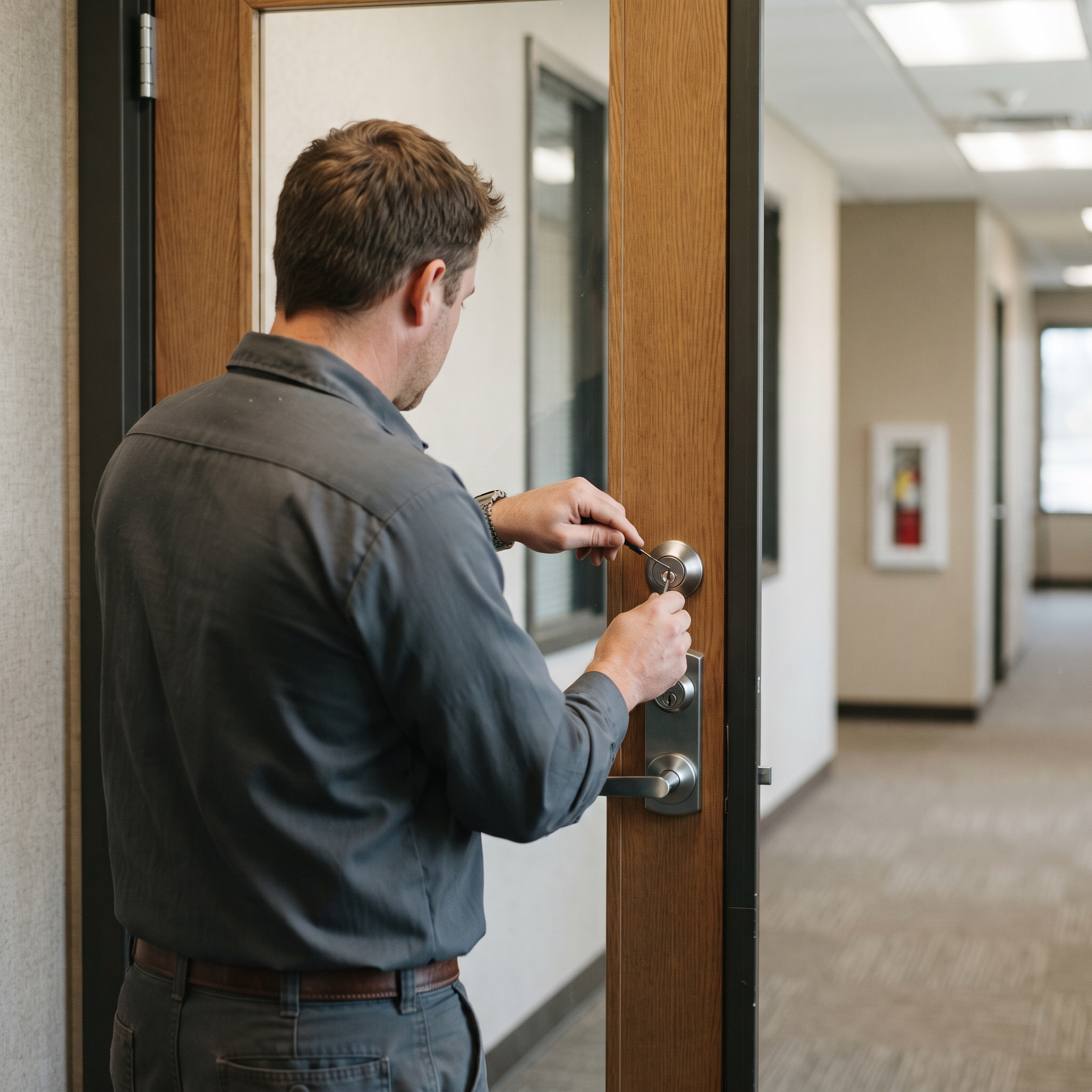
Safes, restricted key systems, master-key systems, and specialized high-security locks require verified authorization and the proper professional tools. A standard office lockout method may damage the safe, erase evidence, or compromise the key system.
Prepare proof of ownership or authorization before service. The technician may also need the safe brand and model, the key system details, or the name of the building or system administrator.
High-security office hardware can include:
The right service depends on the failure. A lost restricted key may call for rekeying through the system owner. A safe with a failed electronic lock may need a safe technician. A master-key system may require records that a regular office manager does not hold.
Do not force a safe, drill a controlled cylinder, or order random replacement parts. The damage can remove the only workable repair option.
- Restricted key cylinders
- Patented key systems
- Master-keyed suites
- High-security interchangeable cores
- Commercial safes
- Electronic safe locks
- Alarmed exit devices
- Specialized access-control locks
Preventing the next office lockout
Prevention starts with access records and maintenance. Keep a current list of authorized keyholders, fob users, managers, property contacts, and after-hours decision-makers.
Use a written procedure that covers:
Keep spare access in a controlled location. Do not hide a master key near the front door or leave a shared code in an unsecured file.
Maintain the doors before they become an emergency. Check strike alignment, hinges, closers, panic bars, batteries, readers, and loose hardware during normal building maintenance.
Review access after staff turnover. Rekey a functioning mechanical lock when old keys should no longer work. Deactivate lost credentials promptly. Replace hardware that has repeated failures or no longer fits the security needs of the office.
A documented authorization rule protects the business and the technician. It also prevents a late-night dispute over who was allowed to approve entry.
- Who can approve emergency entry
- Where spare keys or credentials are stored
- Which doors staff may use during an outage
- Who contacts the concierge or property manager
- Which technician is authorized to work on the hardware
- How lost keys and fobs are reported
- How former staff access is removed
- Where building access details are recorded
- Who documents damage before repair
How commercial calls differ from residential
Panic bars, electric strikes, and aluminum storefront channels need commercial-grade tools. A house lockout kit is not enough for a Queen Street retail door.
Property managers should share after-hours access, loading dock rules, and whether police already documented a break-in.
Master-key buildings can often rekey one exposed cylinder instead of replacing every lock on the floor.
Documentation that speeds insurance follow-up
Photograph damaged strikes and frames before hardware is removed. List which doors were touched versus only attempted.
We note whether the frame, strike, or cylinder failed so you can send accurate info to adjusters.
Board-up and cylinder replacement can happen same visit when parts are on the van.
FAQ
Common questions
Quick answers about this topic in Toronto and the GTA.
Can a locksmith open an office without the business owner present?
A locksmith needs a person who can authorize entry and work on the premises. That may be an office manager, property manager, tenant representative, or building contact. Prepare identification, the suite details, and proof of authority before service begins.
What information should you keep for a future office lockout?
Keep the door type, lock brand if known, suite number, property contact, access-control contact, authorized approvers, and spare-key location in one secure record. Add photos of the hardware during normal operation. A clear record helps the technician bring suitable parts.
Can a commercial locksmith make keys for every office door?
A locksmith can cut many commercial keys, but restricted and patented key systems may require approval from the system owner. Master-key records also affect what can be copied. Confirm the key system before requesting duplicates.
Who repairs an office door after a locksmith opens it?
The failed component determines the right trade. A locksmith may repair the cylinder, latch, panic bar, or strike. A commercial door contractor may be needed for a damaged frame, hinge, closer, or glass door. An access-control dealer may be required for programming, controller, or network faults.
Should you replace all office locks after one key is lost?
Usually, no. Rekey the affected lock or locks if the hardware fits and the access plan allows it. Replace more hardware only when the key system is compromised, the locks are damaged, or the current system no longer meets the business requirement.
Do you work on panic bars after hours?
We are open daily 7 AM to 10:30 PM, not overnight. Call during those hours for commercial emergencies.
Can you rekey after employee termination same day?
Often yes for exposed cylinders. Share how many doors the former key holder accessed.
More reading
Related guides
More step-by-step and how-to articles on the same topic.
Broken Key & Lock Repair
A key that snapped in the lock or a knob that spins freely is common, and rarely a DIY win if the piece sits flush inside. What usually broke, and what a mobile locksmith does on site.
Read article Home securityGTA Residential Smart Lock Installation: Check Door Fit
A door-first approach prevents binding, battery drain, and lockouts; this guide covers fit, access methods, winter backup plans, and GTA condo rules.
Read article Locksmith guidesLocked Out at Night? Safe Steps Before Calling a Locksmith
Stay safe during a nighttime lockout with practical steps for checking authorized entry, spotting emergencies, and calling a qualified locksmith.
Read articleOn-site help
Related locksmith services
If you need a technician on site, these service pages match this guide.
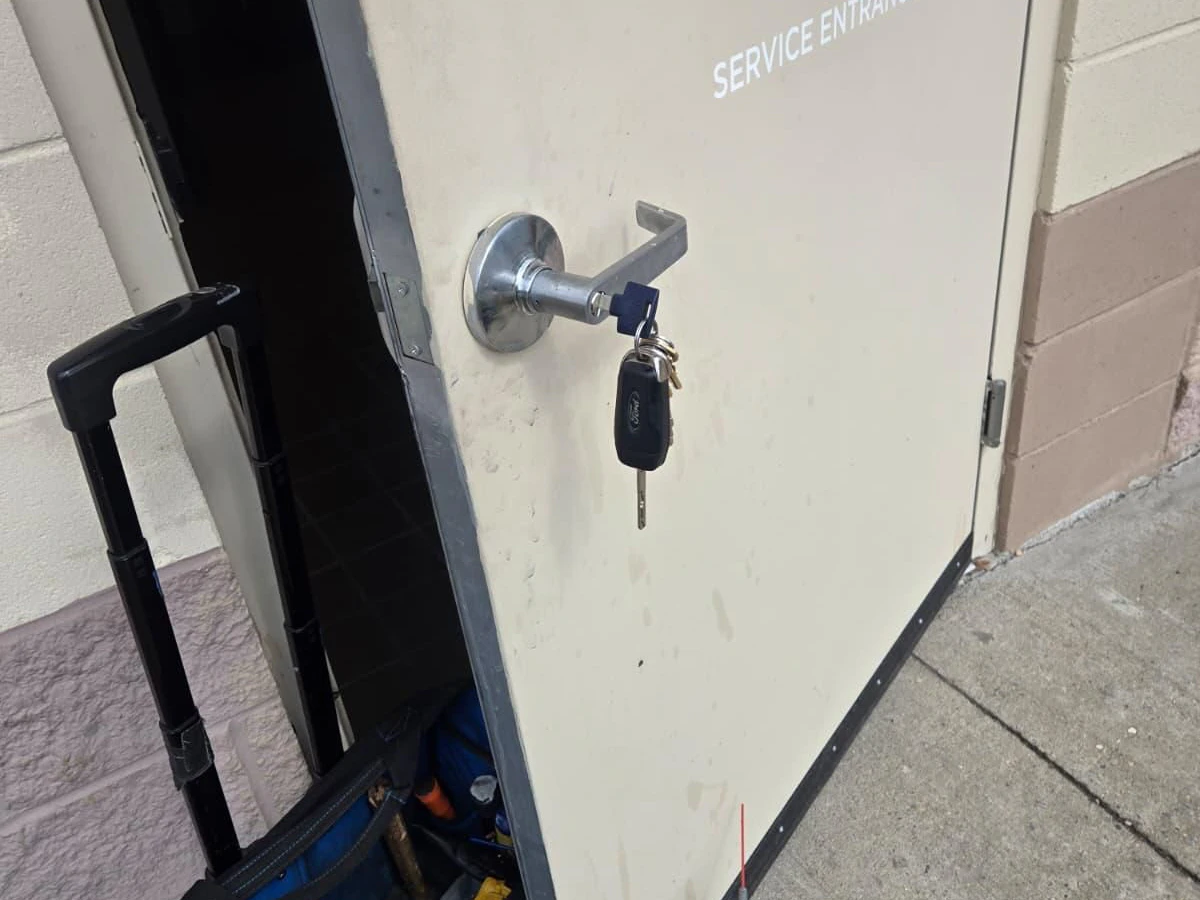
Guides explain the situation; a service visit fixes it. For commercial locksmith in Toronto and the GTA, use the call button for a price range and ETA, confirmed on site before work starts.
Commercial Locksmith
Master keys, access control, and commercial-grade locks for your business.
See details
Emergency Locksmith
Locked out or dealing with a broken lock? We come to you fast across the GTA.
See details
Security Solutions
Smart locks, high-security cylinders, and access control for homes and businesses.
See detailsReady for upfront pricing?
Describe your door or vehicle for a quoted range before a technician is dispatched.